
How to Film Overhead Videos With a Phone Stand Without a Tripod (Simple Setup Guide)
Filming overhead videos is popular for cooking tutorials, desk setups, product reviews, drawing videos, and unboxing content.
Most creators think they need a tripod or expensive camera rig. But you can actually film clean overhead shots using only a simple phone stand.
This guide explains exactly how to do it.
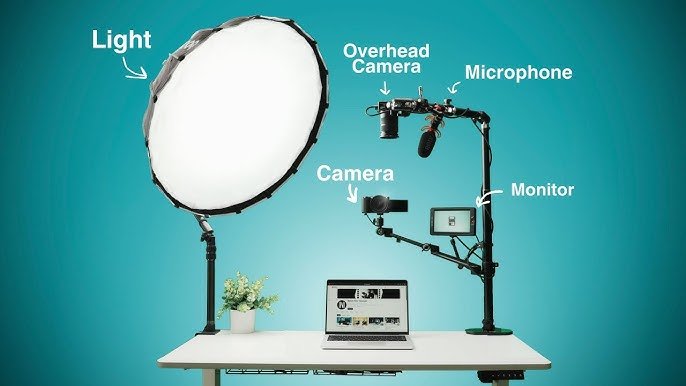
Why Overhead Videos Are Hard With a Phone
A normal phone stand is designed to hold your phone upright.
The problem is that overhead filming requires the phone to face straight down.
Common issues include:
- Phone falling forward
- Shaky footage
- Limited angle adjustment
- No stable mounting point
But with the right setup, a simple phone stand can still work perfectly.
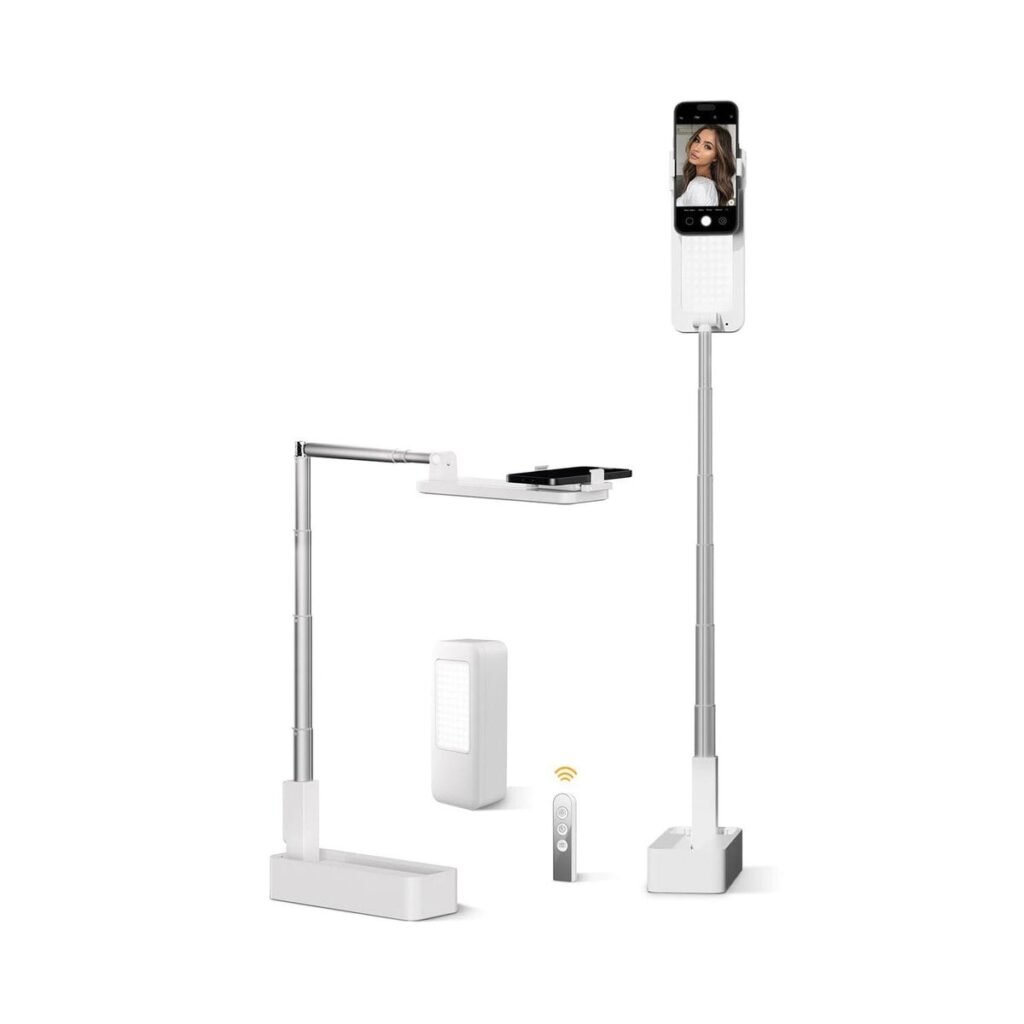
The Simple Overhead Phone Stand Setup
To film overhead videos with a phone stand, you need three things:
- A stable desk
- A phone stand with adjustable angle
- A solid surface edge
Step 1: Position the Stand at the Edge of the Table
Place the phone stand right at the edge of the desk.
Half of the stand stays on the table while the phone extends outward.
This lets the camera point downward.
Step 2: Tilt the Phone Forward
Adjust the stand so the phone tilts forward.
Your camera should point directly toward the desk surface.
Make sure the phone weight stays balanced on the stand base.
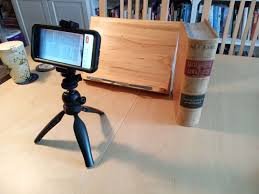
Step 3: Use Books for Extra Height
If you need more height, place books under the stand.
This improves the filming angle and gives a wider frame.
Many creators use:
- books
- boxes
- laptop stands
to raise their filming setup.
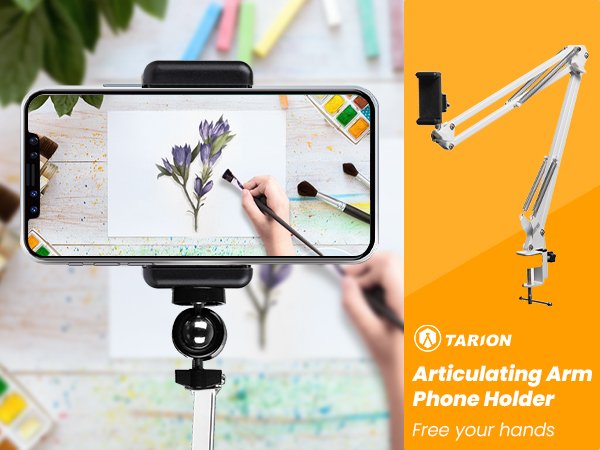
Best Types of Phone Stands for Overhead Filming
Not every phone stand works well for overhead filming.
Look for these features:
- adjustable hinge
- heavy base
- anti-slip pads
- wide phone holder
These help prevent shaking and keep the phone stable.
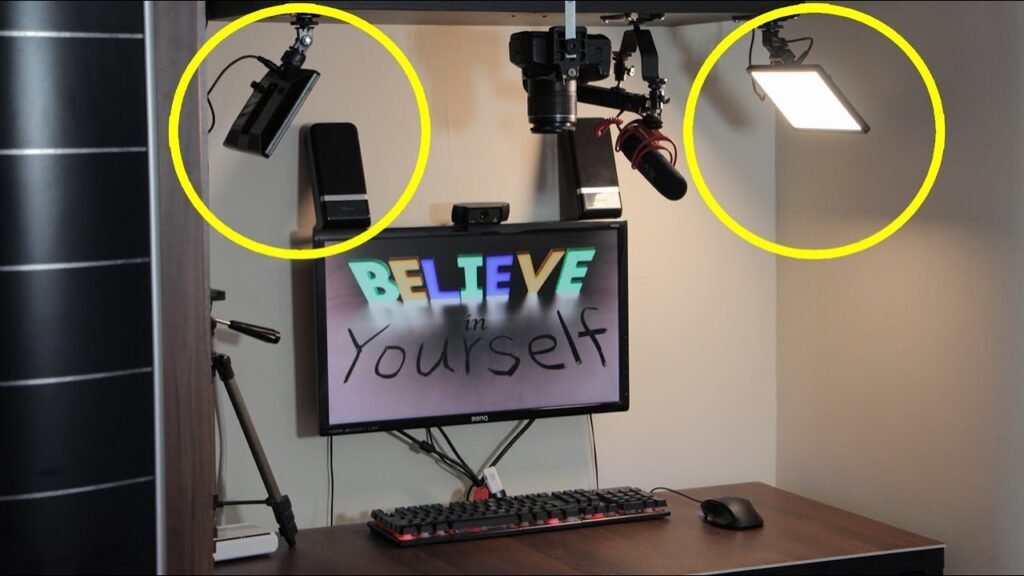
Overhead Video Ideas You Can Film With a Phone Stand
Once your setup works, you can create many types of content:
- cooking tutorials
- desk organization videos
- drawing videos
- product unboxing
- craft tutorials
- packaging videos
- phone accessories reviews
Overhead filming is extremely popular on TikTok, YouTube Shorts, and Instagram Reels.
Lighting Tips for Overhead Filming
Lighting matters more than the stand itself.
For clean footage:
- place a light on the side of the desk
- avoid shadows directly under the phone
- use white desk surfaces for better reflection
A small ring light can dramatically improve video quality.
Final Thoughts
You don’t need expensive equipment to film overhead videos.
With a stable desk and a simple phone stand, you can record professional-looking overhead shots for tutorials, product videos, or social media content.
This setup is especially useful for beginners who want to start creating content using only their smartphone.
One thought on “How to Film Overhead Videos With a Phone Stand Without a Tripod (Simple Setup Guide)”
Leave a Reply

Really helpful thanks from kexa guide